Advanced Excel Course

Master advanced Excel tools like formulas, pivot tables, dashboards, charts, data analysis, and automation. Ideal for students, MIS executives, accountants, and data analysts.

Enroll Now

Advanced Excel Course

All Levels

Beginner to Advanced

6–8 Months

Course Duration

Certificate Provided

Industry Relevant

Hands-on Practice

Real Projects

Career Ready

Job Assistance

About Advanced Excel Course

The Advanced Excel course focuses on data management, data analysis, visualization, and automation techniques used in real-world business environments.

Students learn advanced formulas, pivot tables, dashboards, charts, macros, and data cleaning techniques.

Training at KGIT Computer is completely practical with real-time datasets and case studies.

Advanced Excel Curriculum

Basics of Data Management
Computer Typing & Data Entry
Typing Methods
Introduction to Data Analysis
Custom Formats & Layouts
Advanced Charts
Pivot Tables & Charts
Data Visualization
Scenarios & What-If Analysis
Manage & Share Workbooks
Typical Data Entry Projects
Advanced Formulas
Free & Open-Source Tools
Data Cleaning Methods
Introduction to DBMS
  • Introduction to Data Management
  • How Professionals Organize Data
  • Metadata and Big Data
  • Freelance Data Entry Jobs
  • Introduction to Typing
  • Keyboarding
  • Ergonomic Typing
  • Typing with Symbols and Special Keys
  • Voice Typing in Google Docs
  • Lipikaar App
  • Text Formulas
  • Text Manipulation Functions
  • Using Excel for Data Analysis
  • Apply Custom Data Formats
  • Advanced Fill Options
  • Conditional Formatting & Filtering
  • Custom Styles & Templates
  • Form Controls
  • Internationalization of Workbooks
  • Custom Views & Outlines
  • Basic Excel Charts
  • Area, Scatter & Stock Charts
  • Surface, Radar & Combination Charts
  • Custom Chart Templates
  • Sparklines
  • Pivot Tables
  • Pivot Charts
  • Dashboard Creation using Pivot Tables
  • Using Power Query
  • Using Macros
  • Using Data Tables
  • Dashboard Creation
  • Power Query for Analysis
  • What-If Analysis Tools
  • Create Scenarios
  • Merge Scenarios
  • Scenario Summaries
  • Using Data Tables
  • Manage Workbook Versions
  • Copy Styles Between Workbooks
  • Copy Macros Between Workbooks
  • Track Changes & Comments
  • Merge Workbooks
  • Protect Workbooks
  • Connect to External Data
  • File Conversion from PDF to Word
  • Functions in Excel
  • Mathematical Functions
  • Financial Functions
  • Useful Data Functions
  • Lookup & Reference Functions
  • Date & Time Functions
  • Text Manipulation Functions
  • Arrays
  • Working with Google Sheets
  • Working with Google Forms
  • Google Keep
  • OpenOffice Writer
  • OpenOffice Calc
  • Komprehend
  • Google Data Studio
  • Data Cleaning using Komprehend
  • Excel Shortcuts
  • Mail Merge in MS Word
  • Compare Documents in MS Word
  • What is DBMS and its Purpose
  • Types of DBMS
  • Examples of DBMS – MySQL, Oracle, etc.
01
Basics Data Management & Typing
+
  • Introduction to Data Management
  • Organizing Data Professionally
  • Typing & Keyboarding
  • Ergonomic Typing
  • Voice Typing & Tools
02
Analysis Data Analysis Basics
+
  • Text Formulas
  • Text Manipulation
  • Excel for Data Analysis
03
Formatting Custom Formats & Layouts
+
  • Custom Formats
  • Conditional Formatting
  • Templates & Styles
  • Form Controls
04
Charts Charts & Visualization
+
  • Advanced Charts
  • Scatter, Radar, Combo Charts
  • Sparklines
  • Dashboards
05
Pivot Pivot Tables & Power Query
+
  • Pivot Tables & Charts
  • Dashboard Creation
  • Power Query
06
Advanced What-If & Scenarios
+
  • What-If Analysis
  • Scenario Creation
  • Scenario Summary
07
Workbook Workbook Management
+
  • Track Changes & Comments
  • Protect & Merge Workbooks
  • External Data Connection
08
Formulas Advanced Excel Formulas
+
  • Math & Financial Functions
  • Lookup & Reference
  • Date & Time
  • Array Functions
09
Tools Open Source & Data Cleaning
+
  • Google Sheets & Forms
  • OpenOffice Tools
  • Data Cleaning Methods
  • Excel Shortcuts
10
Project Projects & DBMS
+
  • PDF to Word Conversion
  • Introduction to DBMS
  • Types of DBMS

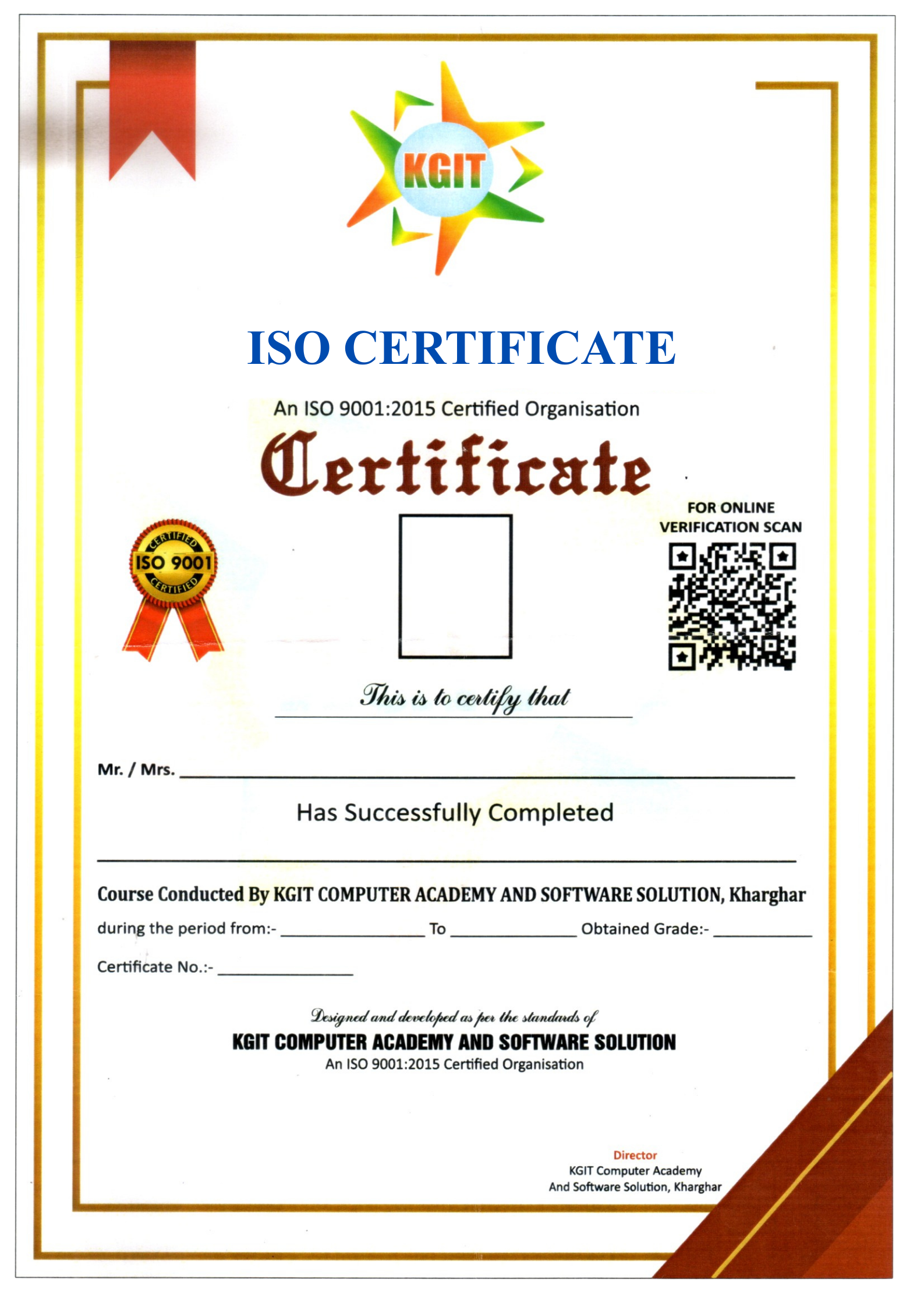
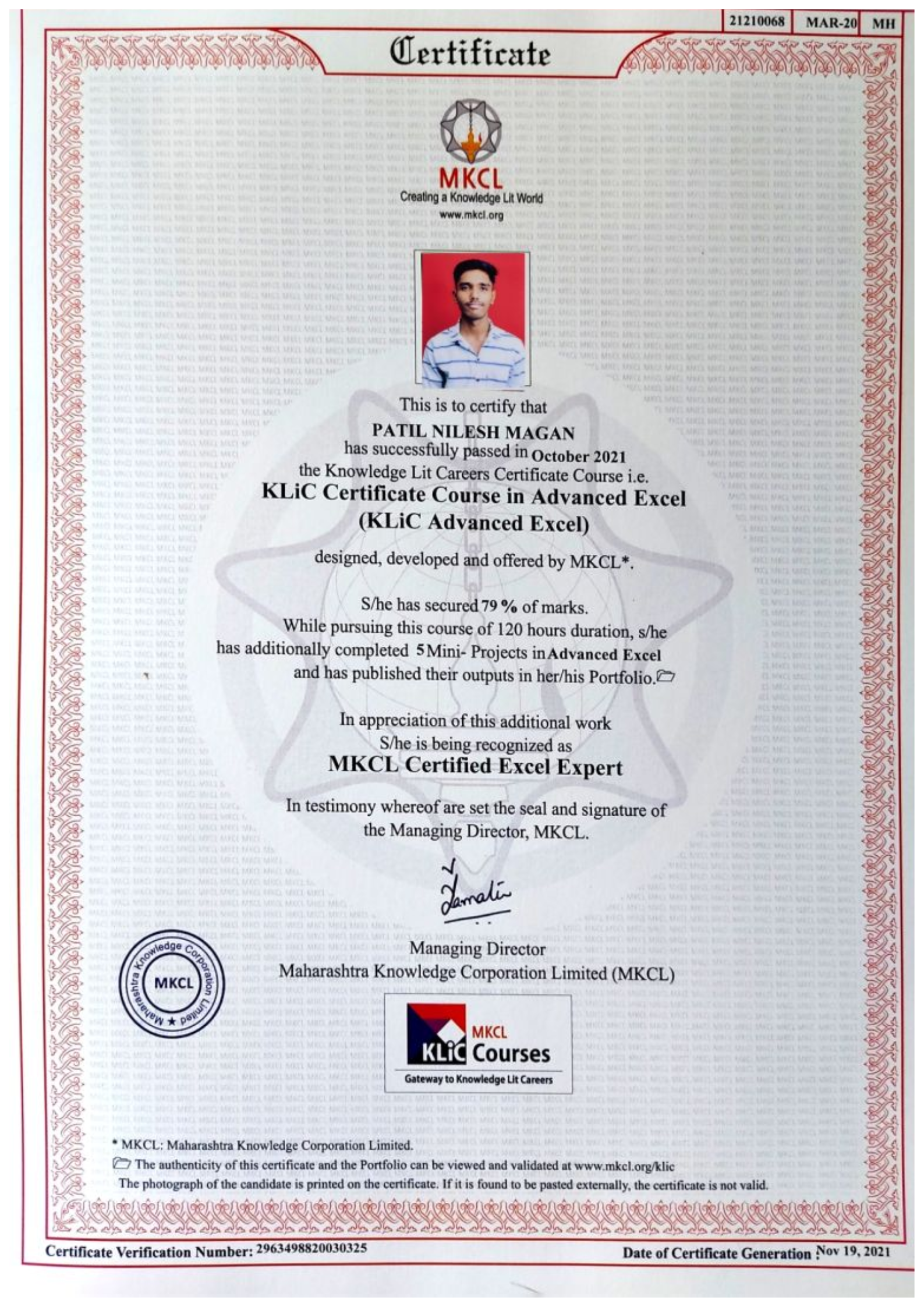
Certification For This Course

Receive a C Programming Certificate after successful course completion.

Register Now
Get in Touch

Ready to start your learning journey? Contact us today!

Visit Our Institutes

📍 Our Locations

KGIT Computer Academy & Solutions
B8/01, Gharkul,
Sector-15, Kharghar,
Behind D-Mart,
Navi Mumbai – 410210

📞 Phone

+91 8454085780

⏰ Working Hours

8:00 AM – 9:00 PM

Monday – Saturday

Send us a Message